
Compare who designs, who owns the results, how changes are approved and what evidence is delivered before choosing an OEM or ODM arrangement.
Reading mapArticle sections7 sections
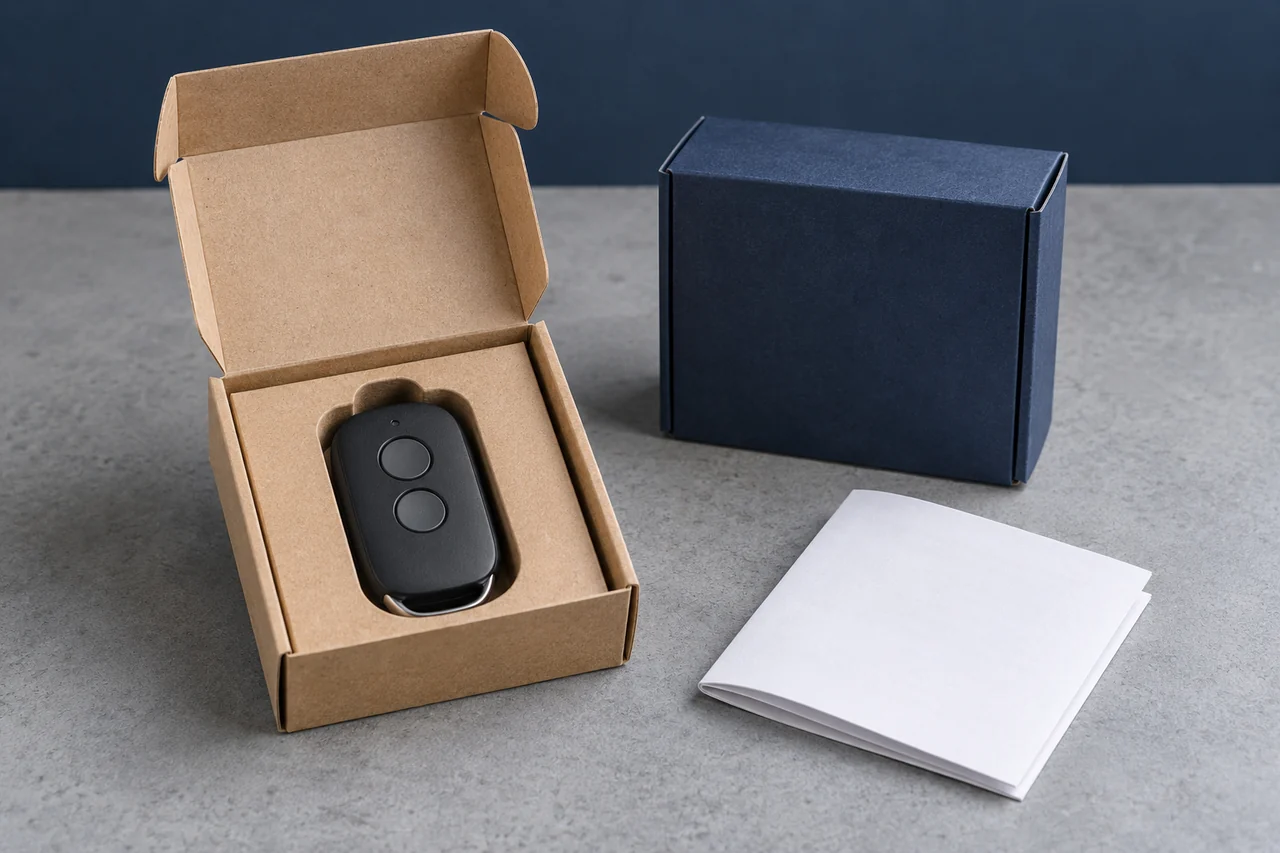
Before choosing OEM or ODM, agree who designs each part, what will be delivered and who can change or use it later.
An RF remote project can combine a supplier's existing radio design with a new housing, buyer-defined firmware and custom packaging. Calling that project OEM or ODM does not describe the whole scope.
To compare offers, write down the required receiver compatibility, product changes and engineering deliverables. Then ask each supplier which parts of the work it owns and which assumptions its price depends on.
The diagrams below show common sourcing arrangements and possible risks. They do not establish ownership, cost, schedule or compliance for a particular project.
Define the Design and Manufacturing Scope
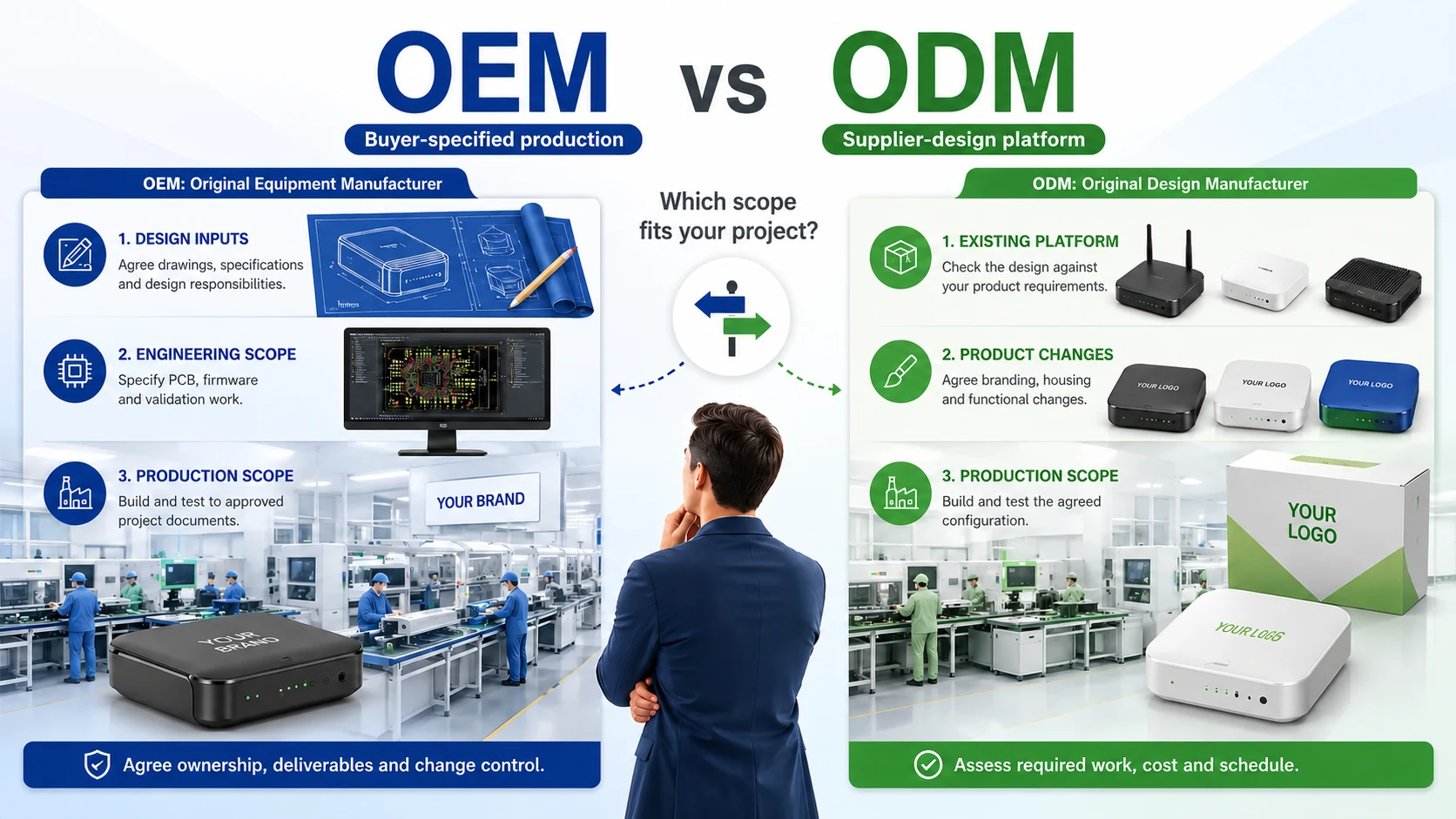
In sourcing discussions, OEM often means manufacturing to a buyer-specified design, while ODM often means starting from a design supplied by the manufacturer. Suppliers use the terms differently, so confirm what they mean in the proposal.
- Buyer-specified production: identify the drawings, firmware, BOM and acceptance criteria supplied by the buyer, plus any engineering work assigned to the supplier.
- Supplier-design development: identify the existing platform, permitted modifications, engineering deliverables and rights to use or modify them.
Design responsibility and IP ownership are separate questions. WIPO's supplier IP guidance distinguishes existing background IP from new project results and recommends explicit ownership and access terms. The OEM or ODM label does not answer those questions.
This matters even for a small order. A logo change may need little engineering, while a protocol change can affect firmware, receiver compatibility and testing despite using the same shell.
Check Whether the Design Is Exclusive
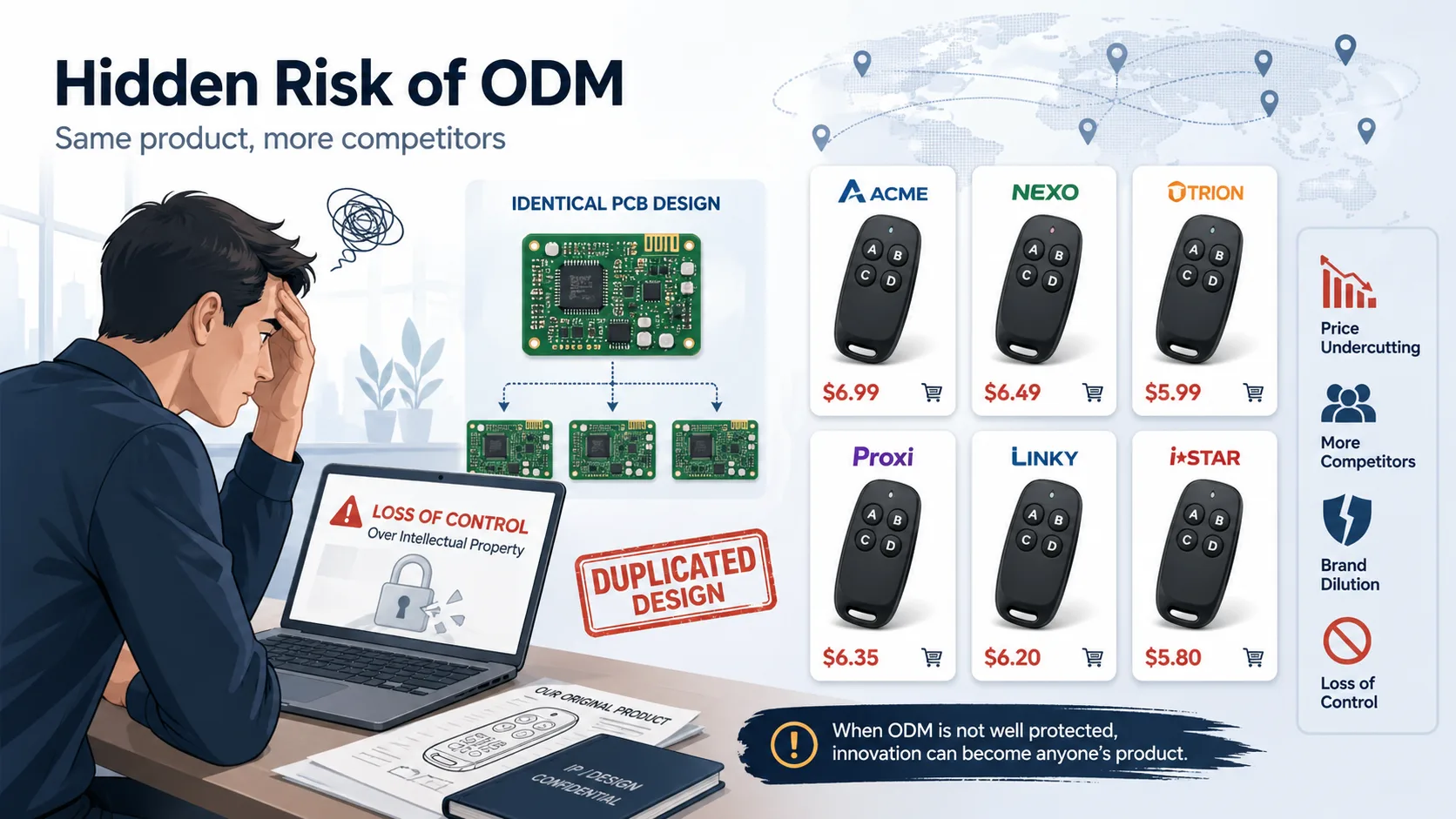
A catalog design may be offered to several customers. If exclusivity matters, ask what it covers: a housing, firmware feature, territory, customer segment or complete product.
Similar-looking products do not prove that a supplier breached an agreement. Compare what was reserved for your project with what the supplier remains permitted to supply elsewhere.
For custom work, specify ownership or licensing of the new results, access to design files and the right to use another manufacturer. Paying a development charge should not leave those rights implied.
Assign Compliance Work to the Actual Product
The destination market and product configuration determine the radio requirements to assess. An existing platform's documents can be useful, but need to be checked against the model and changes you will sell.
- Identify the destination markets and intended application.
- Check the applicable radio and other product requirements for the final configuration.
- Assign responsibility for testing, documentation, labels and instructions.
- Agree how design changes will be reviewed against the evidence.
Ask the lab or responsible party for a scope and quote after the design is defined. Do not assume a standard cost or duration. A frequency, antenna, enclosure or firmware change may need assessment; it does not follow that every change requires a complete new approval.
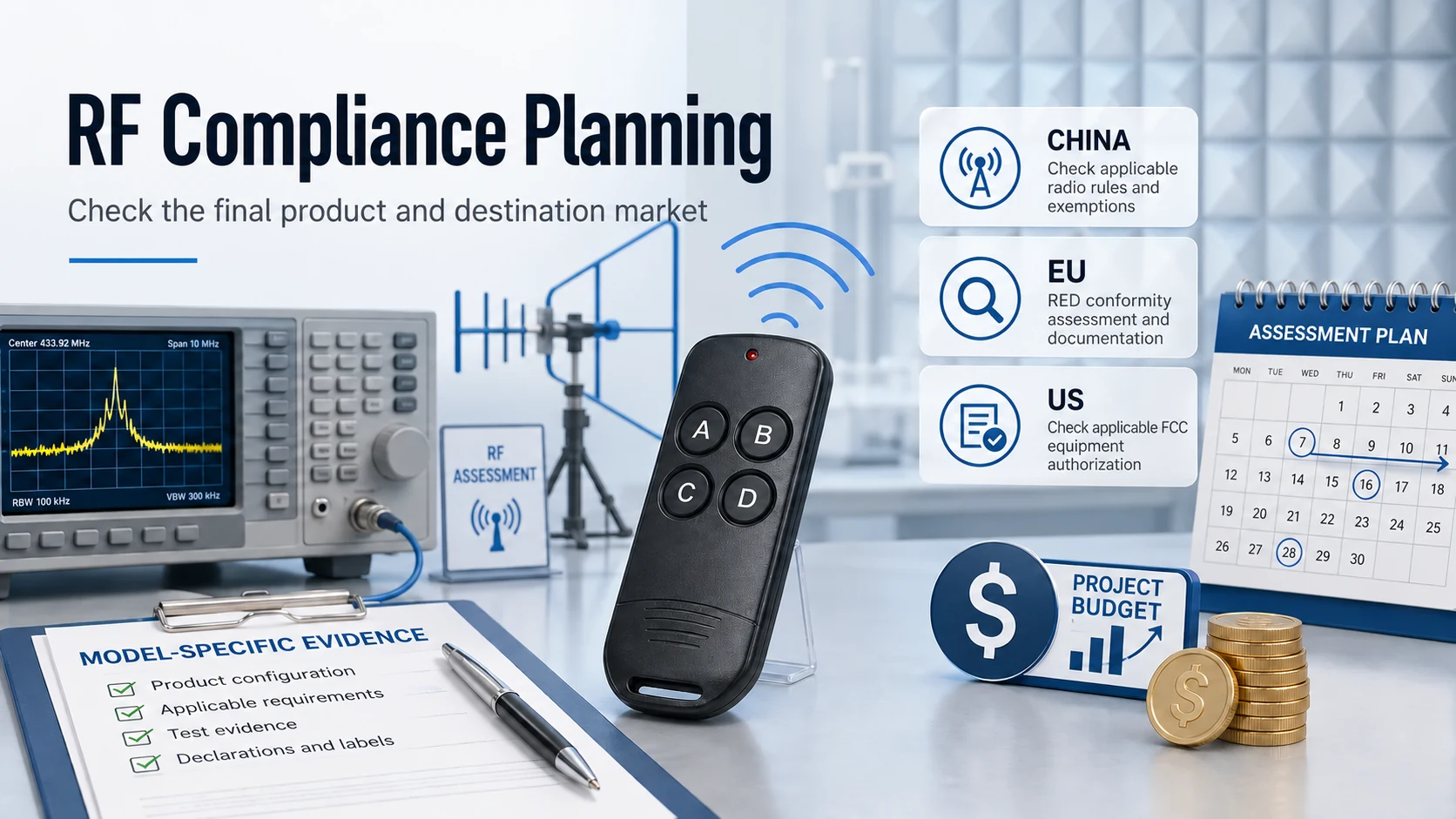
Using a supplier design does not remove the brand owner's responsibilities. Your Europe defines a manufacturer to include someone who has a product designed or made and markets it under their own name or trademark. Agree who prepares the required evidence and keeps it available.
Choose the Authentication Requirement
For a remote that operates a gate or garage, specify the receiver family and the required credential behavior before selecting a platform. Compatibility and access security must both be addressed.
- A repeated static identifier does not provide freshness protection against a matching replay.
- A rolling-code design must authenticate changing values with compatible receiver checks; its security also depends on key handling and implementation.
- Receiver enrollment is a registration method used by different code systems, not a separate security class.
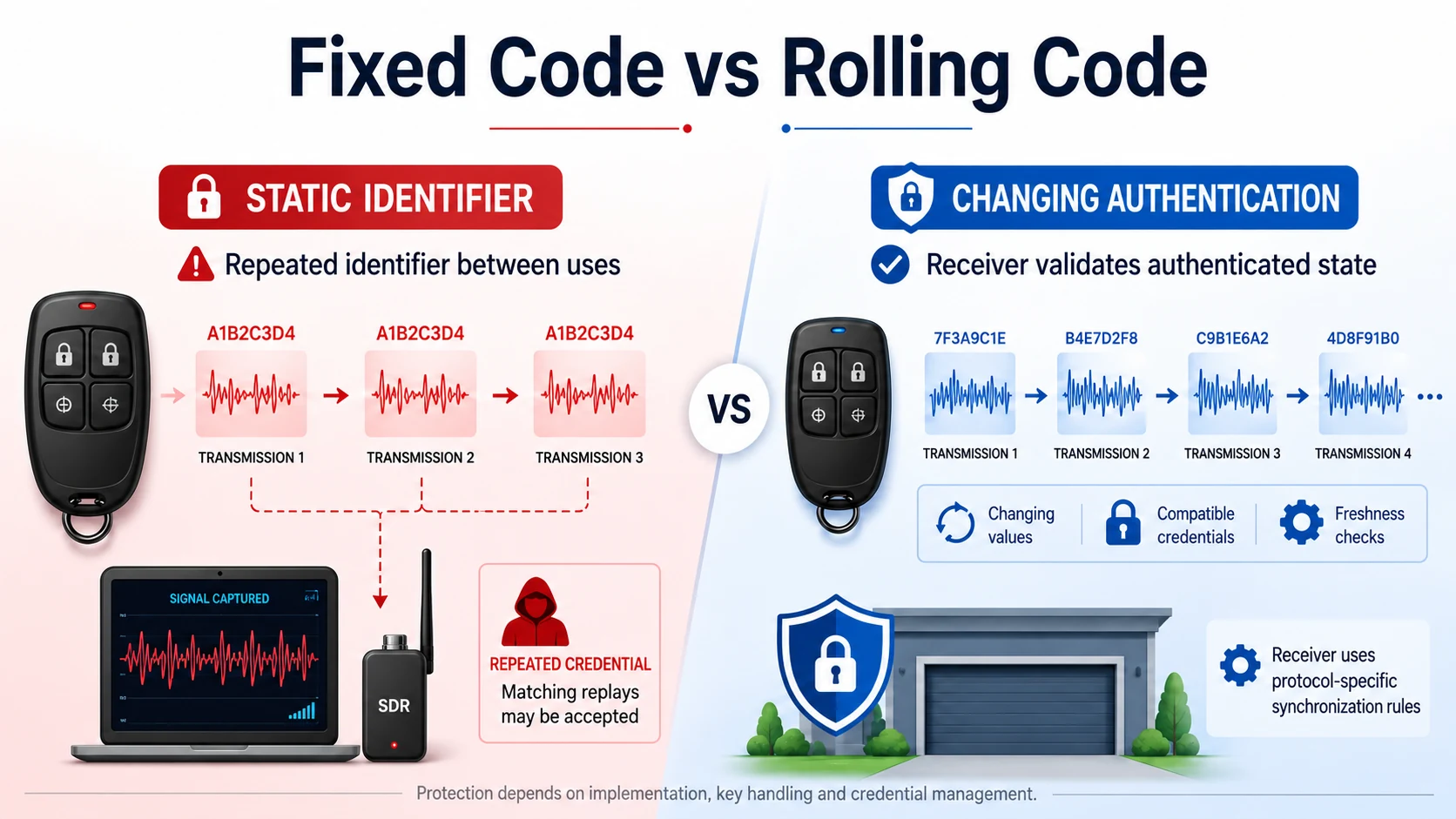
Microchip's AN661 example checks transmitter credentials and synchronization state before activating an output. A changing message alone is not enough. Ask for the supported system and the relevant behavior, rather than approving a product from a rolling-code label.
Agree how remotes are added and removed, including when one is lost. These functions affect suitability for a shared site as much as the button count or housing appearance.
Choose by the Work You Need
Use the proposed scope, available engineering resources and test results to choose a supplier arrangement. The label does not establish which route is faster or safer.
- For an existing design, check receiver support and how much modification is required.
- For a custom protocol or receiver, identify who will design and validate both ends of the link.
- For a new housing, assign tooling, RF retesting and mechanical acceptance work.
- For safety-related use, assess the complete system and required evidence rather than treating OEM as a safety guarantee.
Change control belongs in both arrangements. Identify substitutions and revisions that require notice, approval and revalidation, especially firmware, key components, antenna, housing and radio settings.
Use Acceptance Milestones
Approve the requirements before the design, and approve the tested sample before production. Each milestone should have a deliverable and a decision criterion.
If a supplier platform needs substantial modification, compare its remaining engineering work with a new design. Existing hardware saves time only where it already satisfies the actual requirement.
Choose the scope you can fund, verify and support, with an agreed path for changes after launch.
Plan for Maintenance and Transfer
A license can permit use of IP without transferring ownership. WIPO's technology-transfer guidance distinguishes licensing from assignment. If future manufacturing transfer matters, verify that the rights and technical deliverables support it.
Ask what is delivered if the relationship ends: manufacturing files, firmware binaries or source where agreed, programming instructions, fixtures and test limits. Also identify supplier technology that remains unavailable.
Owning a drawing is not enough to maintain a product if the programming tool, secure provisioning process or test fixture is missing. Treat these dependencies as part of the delivery and support scope.
A useful proposal review asks four questions: who designs, who approves changes, what evidence is delivered, and what can the buyer do without the supplier later?
Resolve those questions before choosing the OEM or ODM label. The result should be a defined product and a reviewable agreement, rather than a promise of control or speed.

About the Author
Eric Huang
RF Remote Controls & Controllers Specialist
I work with trade buyers on custom RF remote and controller projects, automotive remote requests and aftermarket gate and garage remote sourcing. These guides help you define product requirements and plan sample checks before ordering.
Share your application or original system, target market and question to discuss the next steps.
Keep reading
Related articles
RF Transmitter Modules: Check Output and Repeatability
Compare carrier accuracy, matching, unwanted emissions and sample variation under the conditions the finished remote must meet.
Read next RF EngineeringRF Remote Collisions: Check the Hardware and Protocol
Separate one-way repetition from receive-capable channel sensing and two-way acknowledgments, then test command overlap and duplicate handling.
Read next OEM/ODMComparing Gate Remotes with the Same Housing
Compare board materials, button assemblies, RF performance and production checks when similar-looking gate remotes carry different quotes.
Read nextDiscuss Your Project or Replacement
Share your application or original system and your question to discuss the next step.
RF questions by email
Ask Eric About Your Remote or Receiver
Describe your remote or receiver, the issue and what you have already tried. Add model details and your country if available.
Opens a draft in your email app. Review it, attach any photos and send your message.