
Use repeatable comparisons to separate key-battery faults, interference, shielding and vehicle receiver problems without assuming that window tint is the cause.
Reading mapArticle sections8 sections
A new battery is a starting point for diagnosis, not proof that the key's power supply is healthy.
If a car key suddenly works only close to the vehicle, begin with what changed: the battery, the key case, the parking location, a vehicle accessory or a glass treatment. These changes suggest checks; none establishes the cause on its own.
Measure button-operated locking and unlocking separately from passive entry or push-button starting. Those functions can use different antennas, frequencies and authentication paths. Success with one is not a complete test of the others.
The most useful early comparison is with a spare key at the same location. One weak key points toward that key or its battery. Two weak keys justify looking at the vehicle and surroundings as well.
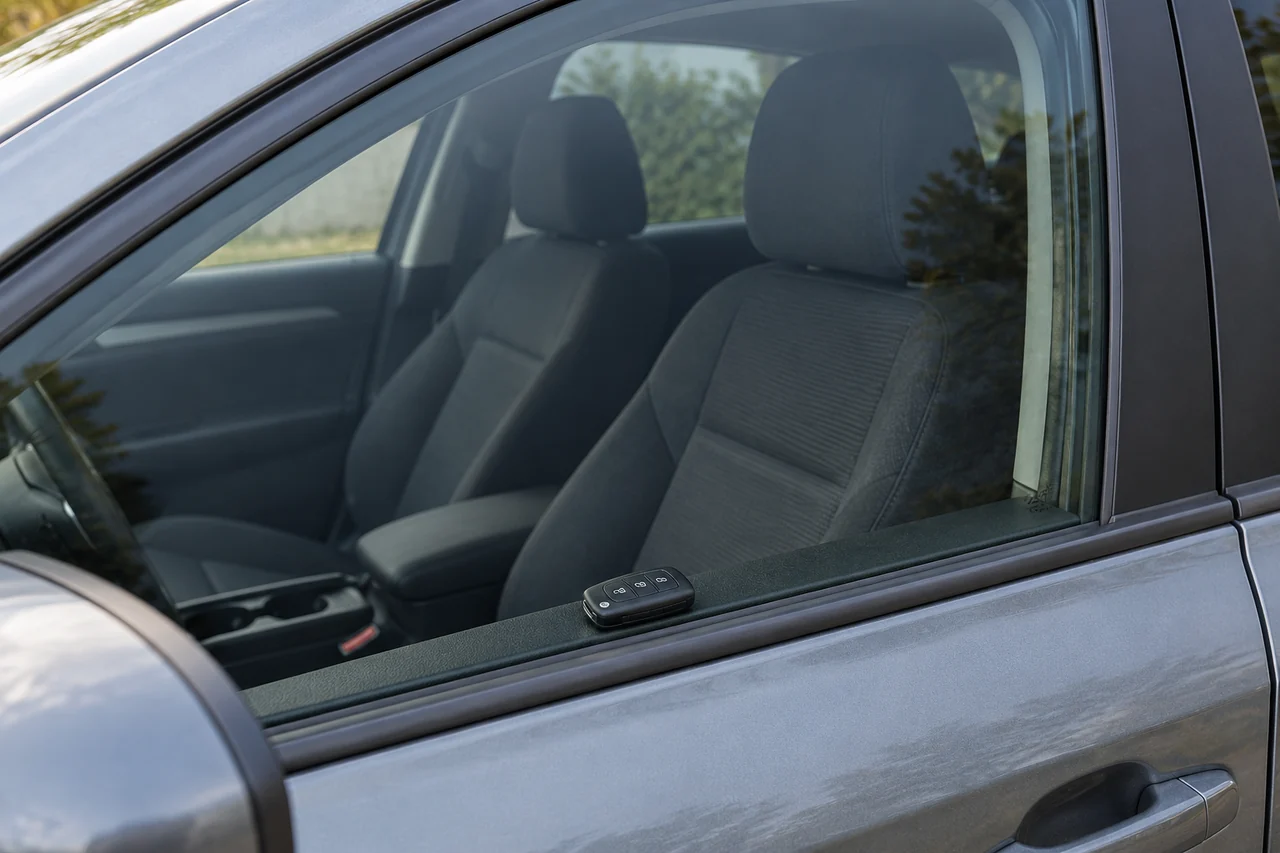
Start with a Controlled Comparison
Use the vehicle's manual to establish the expected operation and the correct battery type. Compare the keys with the same command, orientation and approach direction; record successful commands at fixed distances rather than the farthest one-off response.
Ford's remote-control guidance lists nearby structures, other vehicles and radio transmissions as possible limits on range. That supports checking the surroundings, but it does not identify a fault in any particular car.
Check the Battery and Contacts First
Confirm the replacement cell's part number, polarity and seating. A recently fitted cell can still be old, damaged or poorly connected. A bent holder or a case that no longer closes properly can also interrupt contact.
An open-circuit voltage reading does not show the voltage available during a transmission burst. Internal resistance and contact resistance can produce a drop under load. The remote's indicator is not a measurement of RF output.
Use a fresh cell from a traceable supplier and the type specified by the vehicle manufacturer. If a technician measures the supply during transmission, keep the result tied to that key and test method; do not infer a universal minimum voltage.
- Compare a spare key before taking the original key apart.
- Check the exact cell type, polarity, contact seating and case closure against the manual.
- Inspect for corrosion, damage or a loose battery holder; use the manufacturer's service guidance for repair.
- Have a technician check loaded supply voltage and RF output if a correct replacement cell does not restore operation.
Use Location Changes to Investigate Interference
Vehicle radio systems vary by model and market. Button-operated keyless entry often uses sub-GHz frequencies, including 315 MHz or 433.92 MHz in some systems. Identify the actual system instead of selecting a frequency from appearance.
Another transmitter or electrical noise source can impair reception. A nearby charger, power adapter or aftermarket accessory is a candidate to investigate, not a confirmed interferer simply because it is present.
Move to another parking location and repeat the same key comparison. Improvement suggests an environmental contribution, although vehicle orientation, surrounding metal and reflections may also have changed.
- Repeat the test in the original location and a second location with both keys.
- With the vehicle parked, switch off removable aftermarket accessories one at a time and repeat the comparison.
- Record whether the fault follows a location, a time of day, an accessory or one particular key.
- Do not try to change the key's modulation or transmit power as a troubleshooting shortcut.
Check Authentication Separately from Signal Strength
Many vehicle remotes use changing codes or other authenticated exchanges. The receiver must accept a valid message as well as receive a sufficiently strong signal.
Some systems have model-specific synchronization or enrollment procedures. Counter behavior and acceptance windows vary, so repeated presses outside the vehicle's range are not enough to diagnose desynchronization.
A synchronization fault does not physically shorten the radio link. Repeated presses, intermittent acceptance or failure after a repair may justify checking the documented procedure, but closer operation alone does not prove this fault.
Follow the vehicle's instructions rather than a generic button sequence. For example, one Ford battery-replacement procedure expressly says reprogramming is unnecessary after replacing the cell; that instruction applies to the listed vehicle configuration.
Treat Window Tint as a Testable Hypothesis
Investigate film or coated glass when there is a clear timing link, such as range changing after installation. Tint darkness and heat rejection do not tell you how the assembly behaves at the key's operating frequency.
Conductive layers can attenuate radio signals. 3M notes that an all-metal film may interfere with electronic or mobile-phone signals. This is evidence for a possible mechanism, not a measured car-key range loss for every tint or vehicle.
The effect depends on film construction, treated area, vehicle receiver location, frequency and the available signal paths through the body and glass. A metal fob cover can also affect the transmitter side; test it separately.
- Remove an aftermarket fob cover and repeat the same test before considering glass changes.
- If film was recently installed, ask the installer for its exact product and construction information.
- Compare windows open and closed with the key and vehicle held in the same positions, then repeat; a consistent difference is a clue, not proof of film alone.
- Do not replace the film on a single test result or assume that every product sold as ceramic has identical RF behavior.
Review the Receiver Installation
Original vehicle antennas are part of a model-specific system. If both keys remain weak across locations, a service technician should check that system, its supply and recorded faults rather than treating the key as the only possible cause.
Aftermarket receivers need the antenna arrangement specified by their manufacturer. Nearby metal, unintended antenna routing or installation damage can change performance.
Moving an antenna wire at random can exchange one problem for another. Keep the specified length and routing; an installer should account for trim, moving parts and vehicle safety equipment.
- Identify whether the receiver is original equipment or an aftermarket alarm or locking module.
- Compare the installation with the receiver's own antenna and wiring instructions.
- Inspect connections and any damage introduced during recent accessory or trim work.
- For hardware development, check the antenna in its installed enclosure and confirm RF performance as well as impedance matching.
Compare Installed Performance, Not an Open-Field Demonstration
For a replacement remote or aftermarket receiver, an open-field range figure is useful only with its test conditions. The same hardware can behave differently beside a vehicle, behind conductive glass or among parked cars.
A receiver's sensitivity, blocking performance and antenna system affect usable range. TI's radio-range guide treats these alongside transmitter output and the propagation environment; more output is only one part of the link budget.
Increasing transmitter power is not a general repair. A replacement must match the vehicle's radio and coding requirements and remain within the destination market's rules. Radio conformity paperwork does not demonstrate compatibility with a particular car.
- Confirm the exact vehicle, market, key part number and supported enrollment procedure.
- Ask for installed test conditions and sample results rather than an unexplained maximum distance.
- For an aftermarket design, record supply, temperature, antenna and receiver configuration during testing.
- Keep regulatory evidence separate from the evidence that the replacement works with the intended receiver.
A Practical Diagnostic Order
- Battery and key: correct cell, seating, contacts, case and comparison with a spare.
- Environment: repeat in another location with the same keys and test method.
- Accessories: remove the fob cover and isolate removable vehicle electronics separately.
- Glass: investigate the exact film or coating only when the history and repeated comparisons justify it.
- Vehicle: check receiver faults and model-specific service information when both keys are affected.
- Authentication: follow the documented synchronization or enrollment procedure when the symptoms support it.
Some faults have one clear cause; others involve several losses. Do not assume either pattern before the comparisons are complete.
For an unresolved case, record the vehicle and key identifiers, battery used, affected function, test location, command success at fixed distances and recent changes. Photos of an aftermarket receiver installation can help its supplier assess antenna routing.
These records let a technician narrow the next step without replacing the key, receiver and window film by guesswork.

About the Author
Eric Huang
RF Remote Controls & Controllers Specialist
I work with trade buyers on custom RF remote and controller projects, automotive remote requests and aftermarket gate and garage remote sourcing. These guides help you define product requirements and plan sample checks before ordering.
Share your application or original system, target market and question to discuss the next steps.
Keep reading
Related articles
Diagnose Short Range on a 433 MHz Remote
Use controlled substitutions and supply, antenna and decoding checks to find why a remote works at one installation but fails at another.
Read next RF EngineeringReceiver Sensitivity: Compare the Test Conditions
Read a sensitivity figure with its waveform, bandwidth and error target, then test whether receiver performance is limiting the installed link.
Read next RF EngineeringHow Can One CR2032 Keep an RF Remote Working for Years?
Follow the microamp budget, the transmit pulse and the small design details that determine whether a coin-cell remote still responds years later.
Read nextDiscuss Your Project or Replacement
Share your application or original system and your question to discuss the next step.
RF questions by email
Ask Eric About Your Remote or Receiver
Describe your remote or receiver, the issue and what you have already tried. Add model details and your country if available.
Opens a draft in your email app. Review it, attach any photos and send your message.