
Understand how receivers recognize enrolled remotes, map buttons to groups, and manage shared access without confusing capacity with radio reliability.
Reading mapArticle sections6 sections
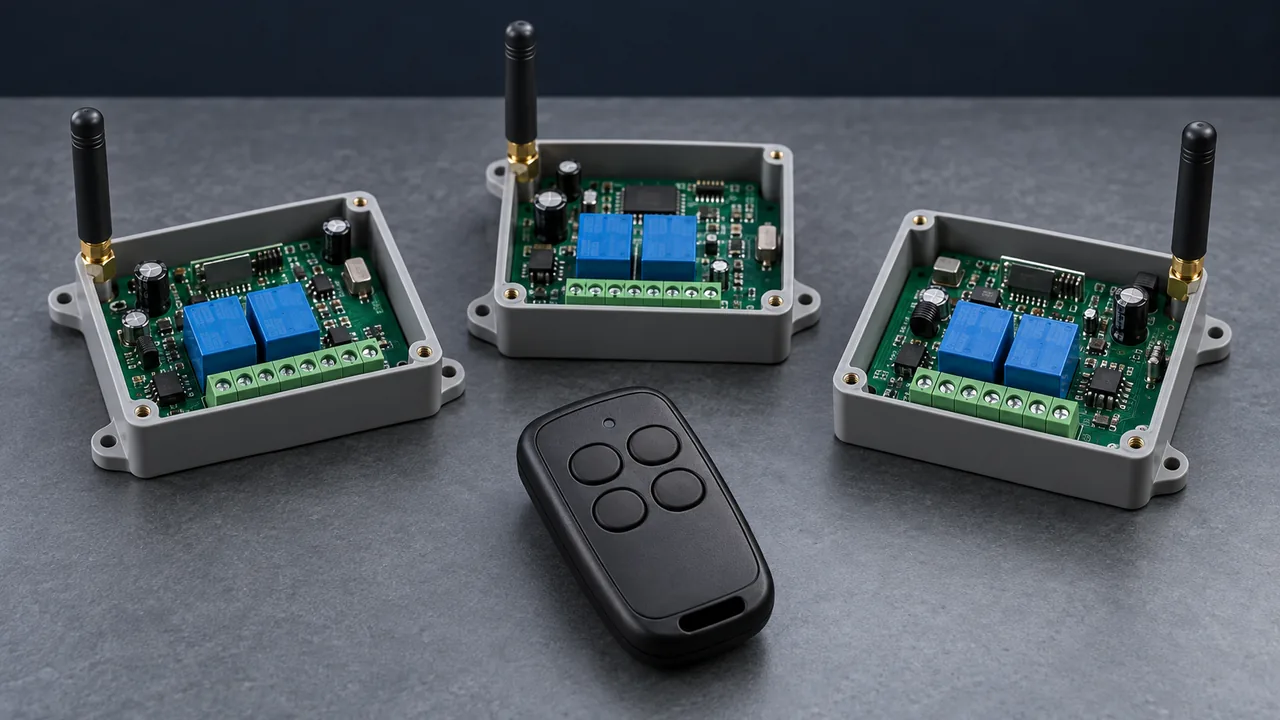
At a parking entrance, several guards can carry different remotes and still raise the same barrier. In a workshop, the arrangement may be reversed: one supervisor carries a single remote that sends an opening command to ten roller doors.
These are two common RF control arrangements. Many-to-one means several transmitters control one receiver. One-to-many means one transmitter controls several receivers. Understanding the difference makes it easier to plan shared access, group commands and receiver capacity.
The receiver recognizes the message and its enrolled identity. It does not know who is holding the remote.
What the Receiver Actually Recognizes
A button press sends more than an instruction to open or close. In many RF remote systems, the message includes transmitter identity or address information and button data. The receiver must first recover a compatible message, check whether it is accepted, then map the button to an output or controller function.
Saving a transmitter in a learning receiver is usually called pairing, learning or enrollment. Think of it as adding a badge to an access list. Some fixed-code systems instead use matching address settings on both sides; they do not all have a learning procedure.
- Fixed code: the identity and command pattern remain static for the same button. Matching settings are straightforward, but a system without replay protection can accept a captured command again.
- Learning code: a receiver stores a transmitter identity during enrollment. Many inexpensive learning-code remotes still transmit static codes. Learning describes how the receiver is configured; it does not establish encryption or replay protection.
- Rolling code: changing code data is checked against stored security and synchronization state. This requires a compatible decoder and enrollment process. The chip name alone does not establish the security of the complete installation.
For example, the Microchip HCS301 data sheet describes enrollment of a transmitter identity, key and synchronization state. This shows why a rolling-code receiver needs more than a list of static addresses. For property access, choose a documented security mechanism and a workable enrollment and revocation process.
How One Remote Controls Several Receivers
The direct approach is to enroll the same remote in each compatible receiver. Consider ten roller-door controllers. Following the model-specific learning procedure on each controller can make all ten accept the same opening button. This is a design example, not a claim about a completed installation.
Every receiver needs compatible frequency, modulation, coding protocol and command interpretation. Rolling-code systems also need compatible security provisioning. Each receiver maintains its own synchronization state, so missed transmissions and subsequent resynchronization need to be checked at every device.
One-to-many works because several receivers accept the same transmitter. It does not require a more powerful remote.
Group control adds a command map. In a suitably configured four-button system, A could open Zone 1, B could open Zone 2, C could open all zones and D could close all zones. The receivers or control logic must support these assignments. Four buttons alone do not provide four independently programmable groups.
Confirm whether learning stores an entire transmitter or a particular button and channel. Also distinguish explicit open and close commands from a toggle command: if two doors start in different states, the same toggle can produce different results. These details matter in grouped lighting, greenhouse curtain control and roller-door installations.
How Several Remotes Share One Receiver
Company entrances, parking barriers and garage doors commonly use many-to-one control. Each authorized remote is enrolled in the same receiver. The receiver checks the identity of whichever transmitter sends a valid command.
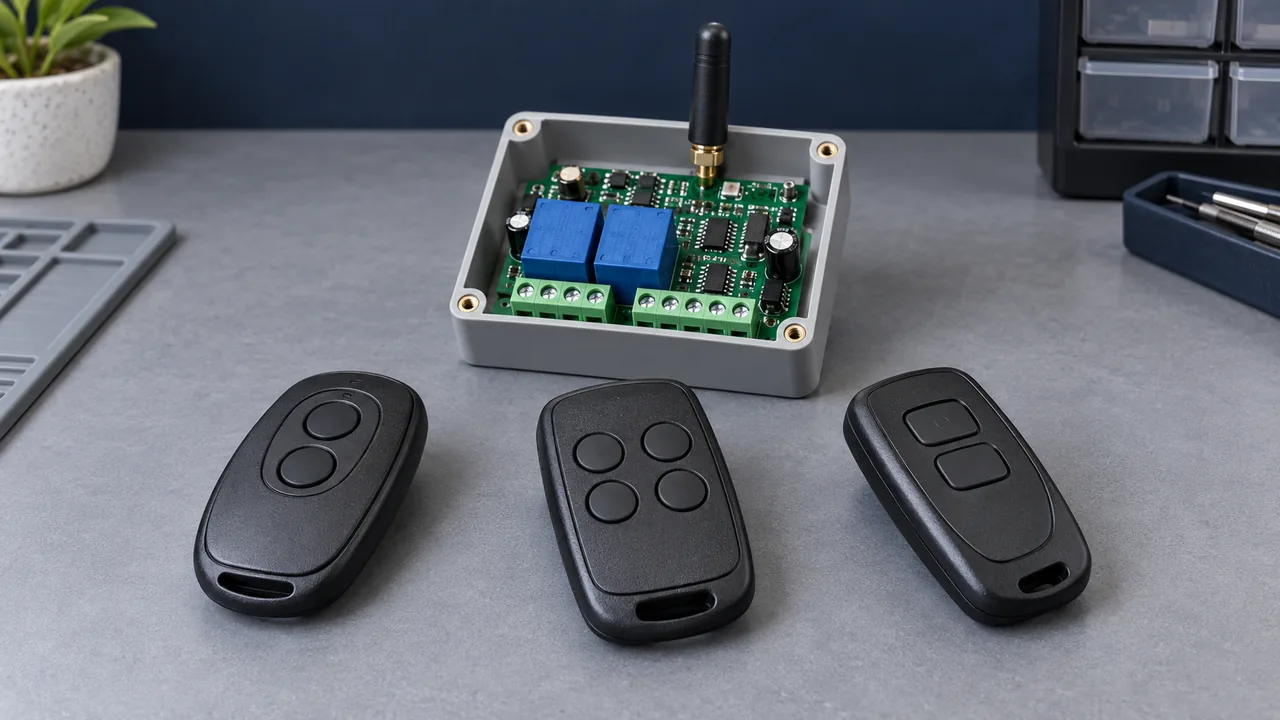
Memory capacity varies by receiver. A specification might list 20, 32, 64 or more entries, but first establish what an entry represents: one transmitter, one button, or one channel assignment. These numbers are examples, not specifications for a WindChord Remote product.
For thirty staff members, allow capacity for their actual enrollment requirements, spare remotes and future additions. Ask what happens when memory is full and whether existing entries can be overwritten. A receiver that can store many remotes still cannot necessarily receive many overlapping transmissions.
- Capacity: verify how entries are counted and leave room for spares and growth.
- Compatibility: match frequency, modulation, protocol and security configuration. Similar housings prove none of these.
- Deletion: confirm whether one lost remote can be removed, how its entry is identified, and whether deletion survives a power cycle.
Some receivers only support clearing the whole memory, which means enrolling the remaining remotes again. If several remotes share a cloned static identity, the receiver may be unable to revoke just one of them. Distinct identities and a documented deletion procedure make shared access easier to manage.
For a rolling-code replacement, confirm the original system model, enrollment rights, key compatibility and pairing procedure before ordering. Sharing a carrier frequency or an encoder family does not guarantee that a new remote can join the system.
Separate Wrong-Device Actions from Missed Commands
If a Zone A remote also operates Zone B, inspect the learned identities, address settings and button assignments first. Both receivers may intentionally or accidentally accept the same command. Using the same protocol does not by itself cause this: the relevant identity and command must also be accepted.
Record the receiver, location, enrolled remotes and intended button actions. Check that unrelated zones do not share credentials or group assignments, then verify the observed outputs against that record.
Missed commands need a different investigation. Weak signals, receiver overload and overlapping transmissions can prevent decoding. Our guide Different Codes, Same Channel explains why distinct transmitter identities do not prevent radio collisions.
Receiver selectivity and blocking performance matter in a busy RF environment. A superheterodyne architecture may help achieve the required performance, but the label is not a guarantee, and no RF front end fixes a duplicated accepted identity. TI's receiver interference guidance explains how unwanted signals can affect sensitivity; evaluate the actual receiver under the site's conditions.
Check Range at Every Device
A stated range of 100 metres needs test conditions to be meaningful. Clear line of sight and low interference can differ substantially from a workshop with steelwork, walls, metal cabinets and running equipment. A remote in a pocket or an antenna mounted close to metal can change the result again.
Before placing a volume order, test from the intended operating positions with the intended receiver, antenna, enclosure and supply. For one-to-many control, record the result at every receiver. Success at the nearest door says little about the farthest one.
- Test the farthest position and routes through walls or metal structures.
- Repeat with nearby equipment and other wireless systems operating normally.
- Use realistic remote orientation and mounting, and include the specified low-battery operating condition.
- Record missed commands, unintended actions and response time, then check that the result meets the application requirement.
A range figure belongs on a data sheet. Reliable operation has to be checked where the system will be used.
Define the Control Plan Before Choosing Hardware
One-to-many gives several receivers a shared authorized transmitter and command map. Many-to-one gives one receiver several authorized transmitters. Both depend on a usable radio link, correct enrollment and clearly defined outputs.
- How many devices are involved, and should they act individually, in groups or on a common command?
- Does the application require confirmed completion or coordinated movement?
- How many people need remotes, how much spare capacity is required, and how will a lost remote be revoked?
- What are the site conditions, required operating positions and access-security requirements?
- What receiver models, protocols and button actions are already installed?
At Dongguan Fengxian Electronics Technology Co., Ltd., these details provide a useful starting point for an RF remote or receiver-controller inquiry. Share the device count, user count, existing models, operating distance and intended button actions. Frequency, protocol, memory capacity and available control functions should then be confirmed for the proposed model and sample validation.
Describe how many remotes and receivers you need, and what each button should do. Use the RF question form below to start with a control plan that can be checked.

About the Author
Eric Huang
RF Remote Controls & Controllers Specialist
I work with trade buyers on custom RF remote and controller projects, automotive remote requests and aftermarket gate and garage remote sourcing. These guides help you define product requirements and plan sample checks before ordering.
Share your application or original system, target market and question to discuss the next steps.
Keep reading
Related articles
Different Codes, Same Channel: Why RF Remotes Can Collide
Separate remote identity from radio access, then check how overlapping frames, airtime, repeat timing and two-way protocols affect command delivery.
Read next CompatibilityWhy a Replacement Remote Will Not Pair
Separate failed enrollment from poor range, then check the receiver variant, code family, programming method and tested replacement model.
Read next TroubleshootingDiagnose Short Range on a 433 MHz Remote
Use controlled substitutions and supply, antenna and decoding checks to find why a remote works at one installation but fails at another.
Read nextDiscuss Your Project or Replacement
Share your application or original system and your question to discuss the next step.
RF questions by email
Ask Eric About Your Remote or Receiver
Describe your remote or receiver, the issue and what you have already tried. Add model details and your country if available.
Opens a draft in your email app. Review it, attach any photos and send your message.